Settings, card by card
All 20 cards on your Settings page, in the order you see them. Find the card you are looking at, then read only the guide for that card.
Settings saves per card — there is no global Save button, and no card silently changes another.
Account
Language
The language your dashboard is in. Separate from what the AI writes to contacts.
Switch the app to Chinese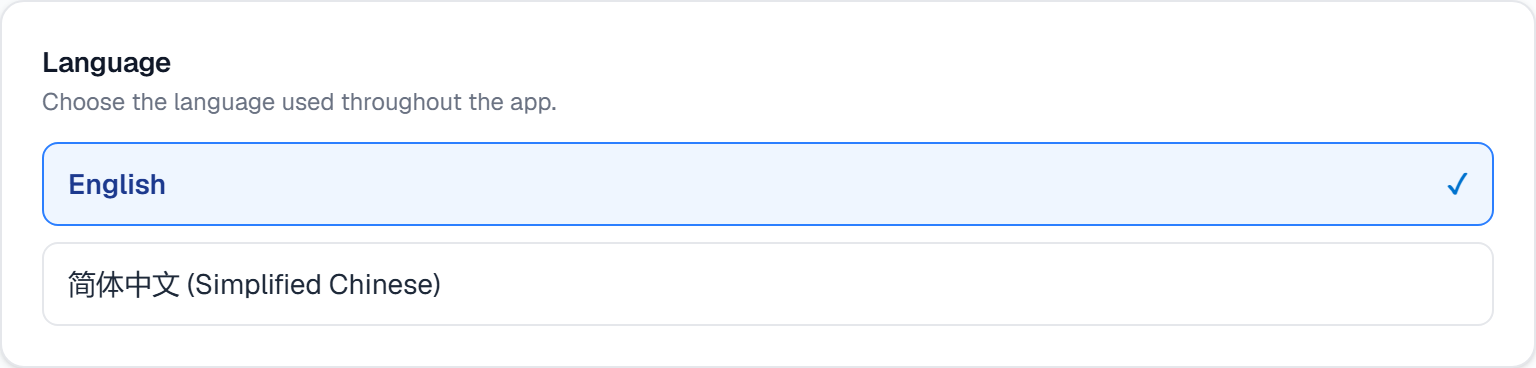
AI team
AI Assistant Style
How the AI writes: personality, outbound language, and your own style notes.
Tune the AI's writing voice and tone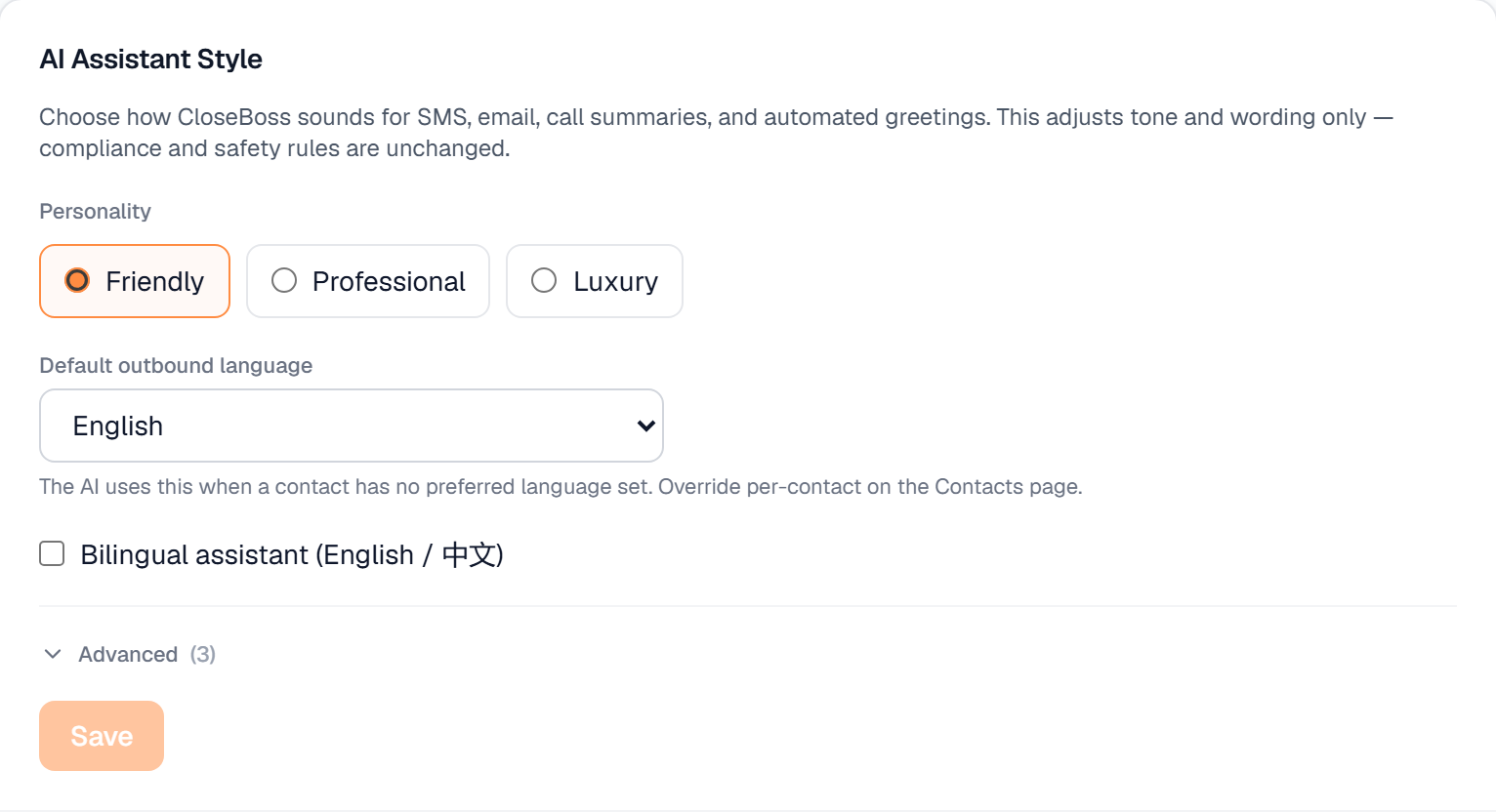
Phone Voice
How your phone assistant sounds to callers, and whether it greets them bilingually.
Pick the voice your phone assistant uses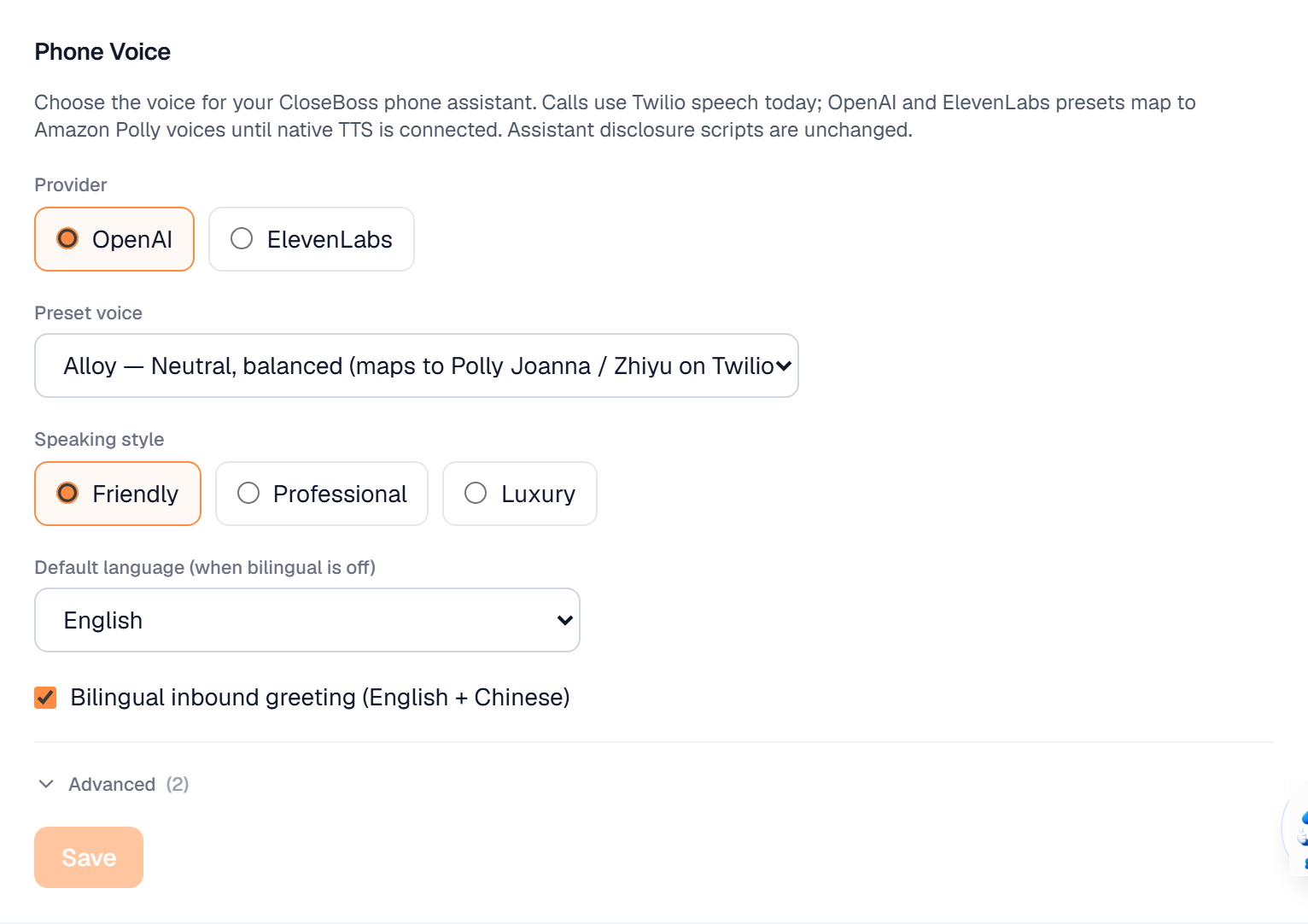
AI Voice Receptionist
Who answers your inbound calls, what it knows about your business, and your office hours.
Configure voice AI to answer inbound calls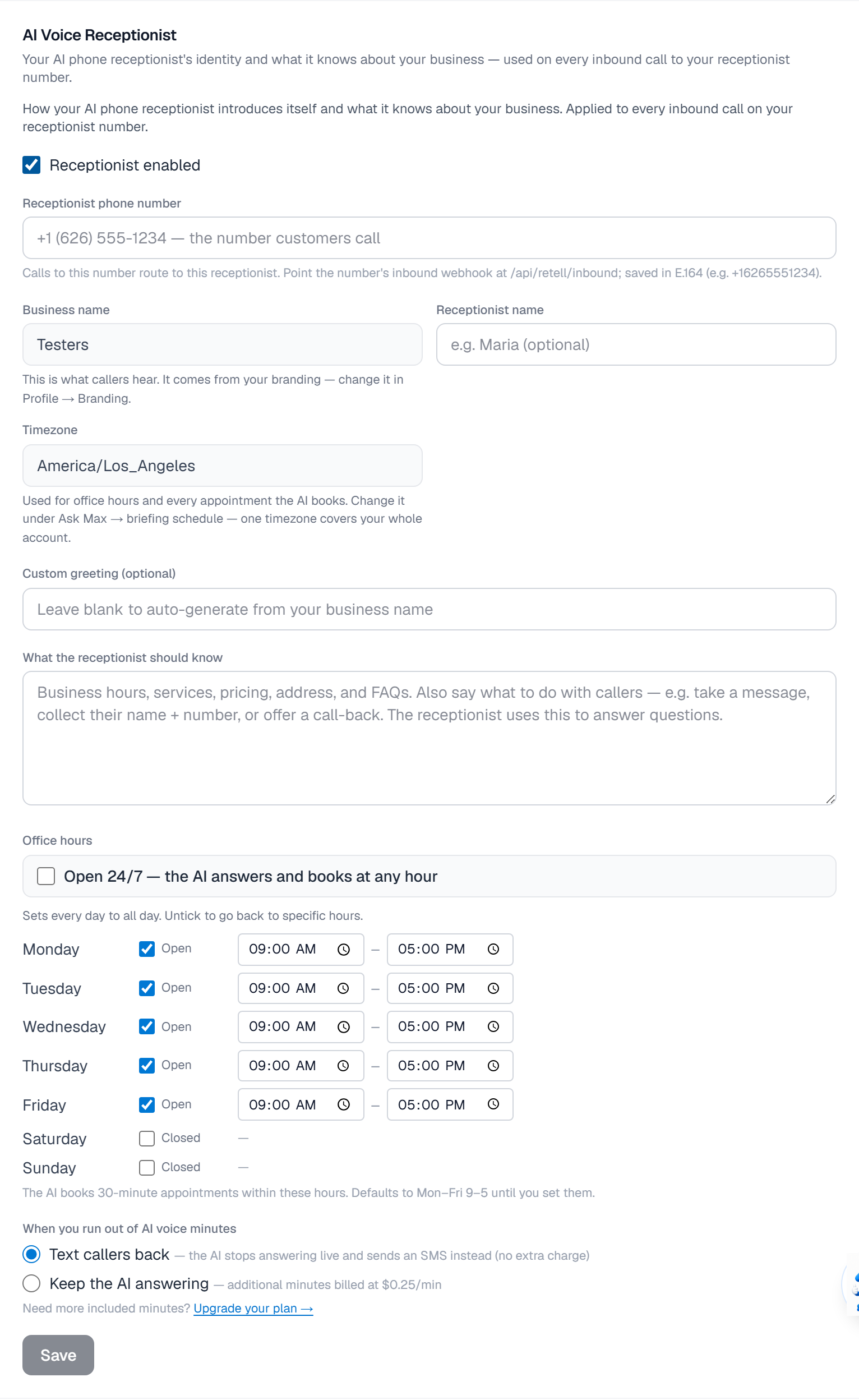
Missed Call Text-Back
The SMS that goes out when you cannot pick up, and where your calls forward.
Set up missed-call text-back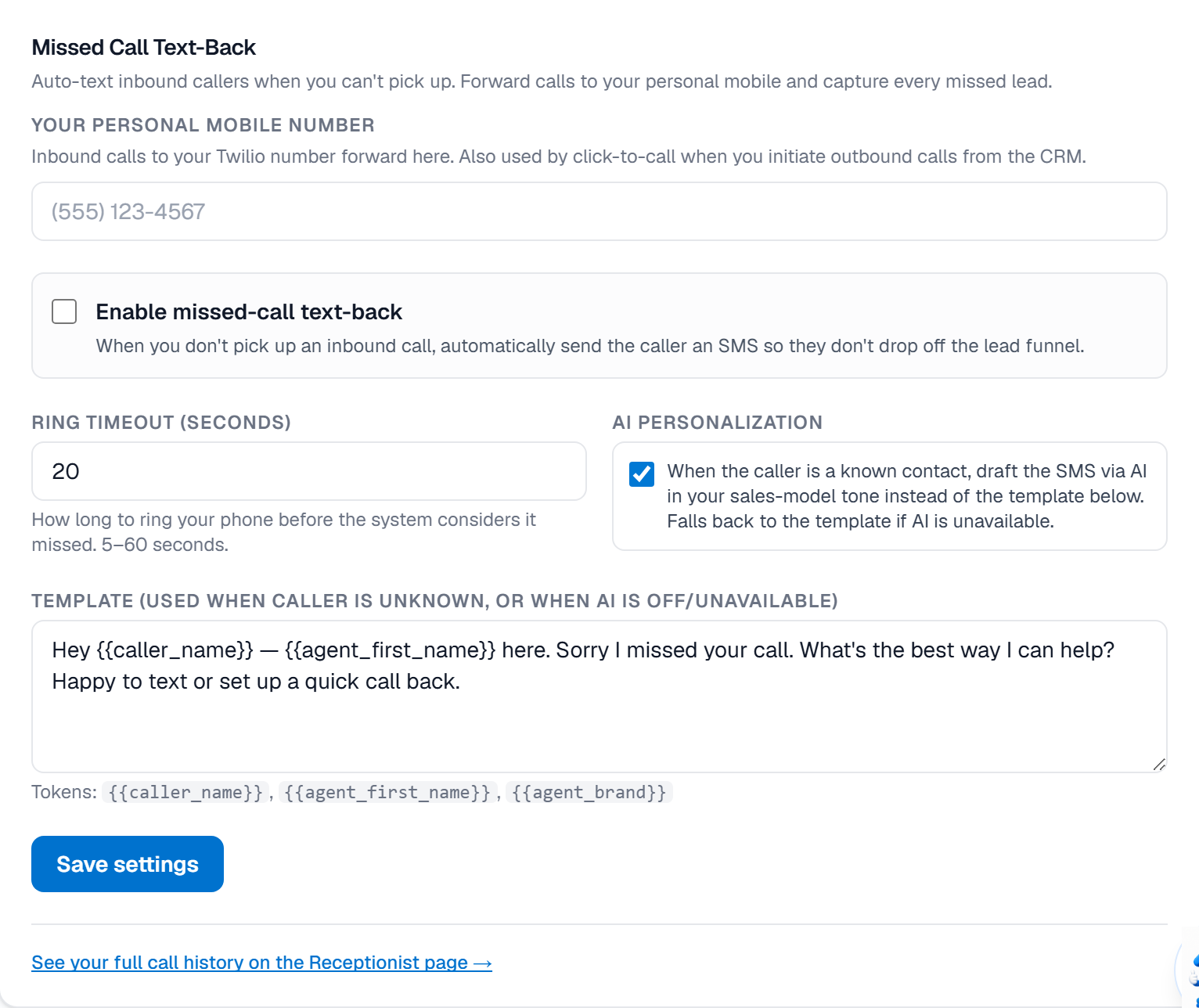
IDX lead routing
Whether inbound IDX leads are handed to you in rotation, and which ZIPs you serve.
Join the IDX lead-routing pool and claim your ZIPs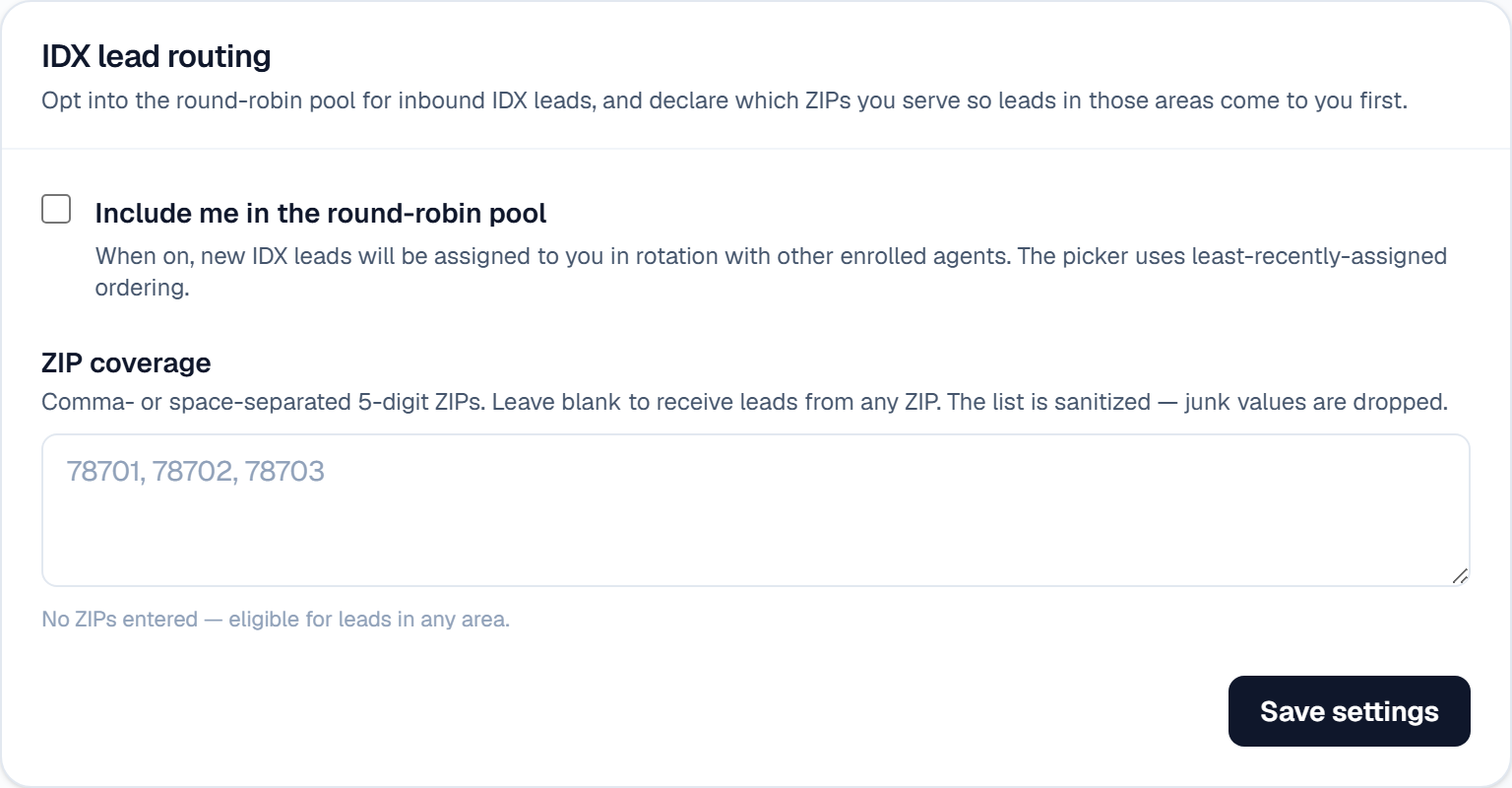
Transaction Coordinator notifications
The task digest, the growth digest, and the wire-fraud alert you should leave on.
Choose which deal alerts you get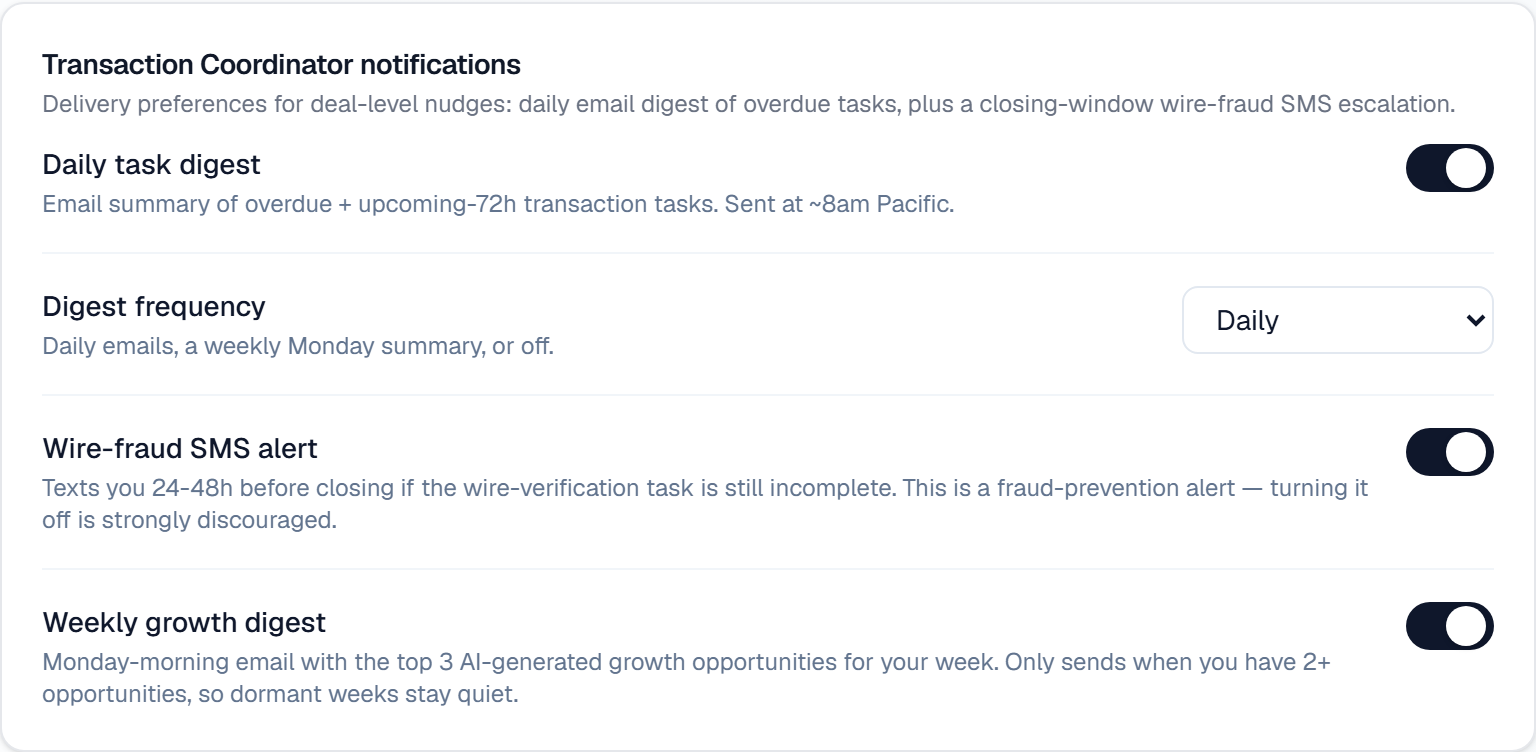
Commission defaults
Splits that pre-fill new deals and drive your revenue numbers.
Set your default commission splits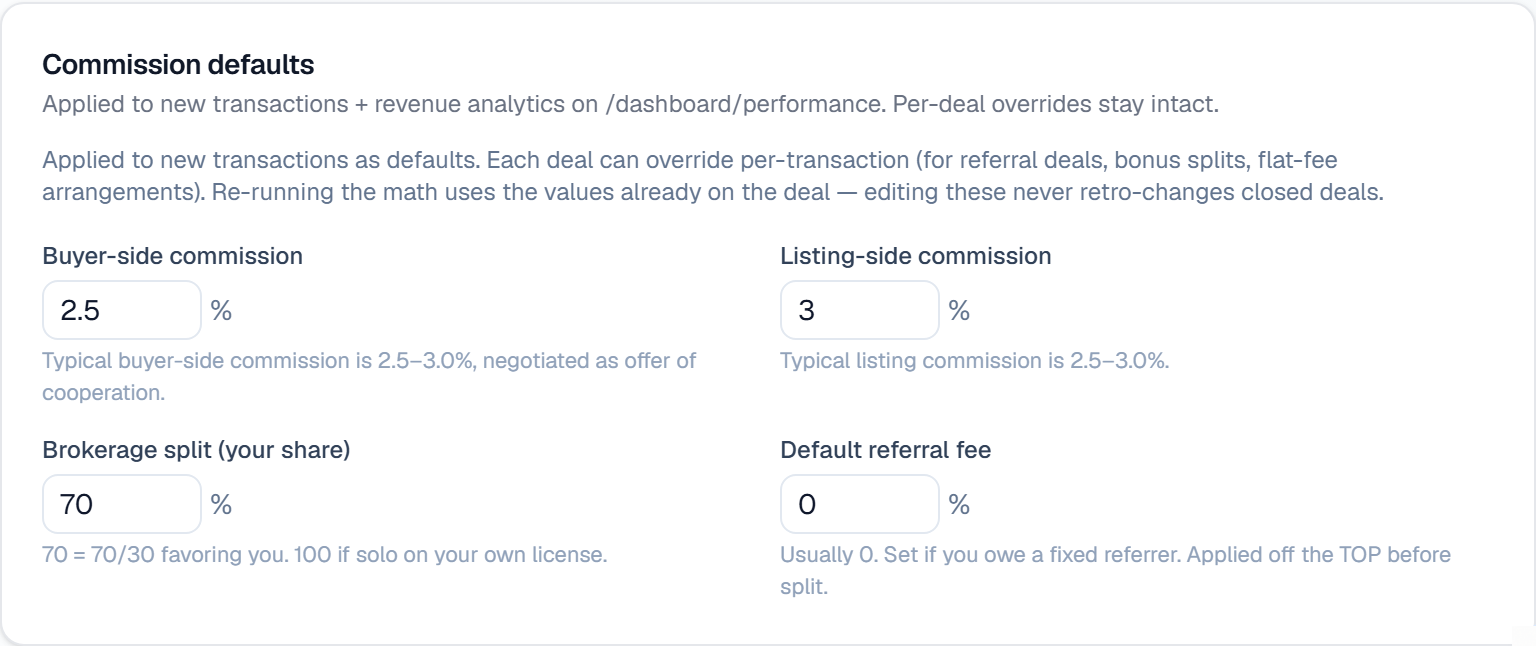
Channels
Channels
The phone number and email address your contacts actually see. Read-only.
The number and address your contacts see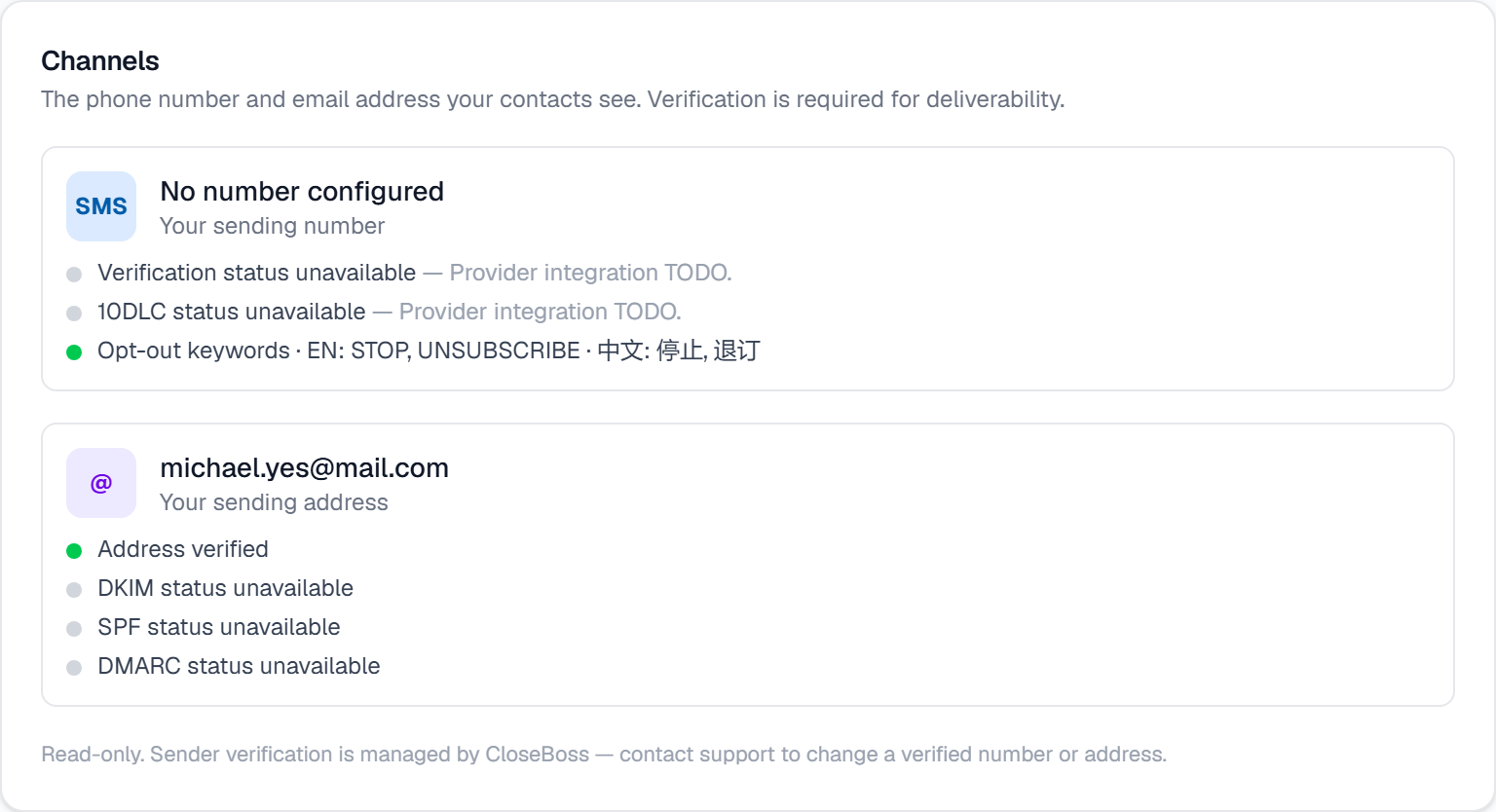
Connected social accounts
Where the pointer to connect Facebook, Instagram, LinkedIn and Threads lives.
Connect your social accounts
Social auto-posting
How often to post, where, about what — and who signs off before it publishes.
Let AI run your social media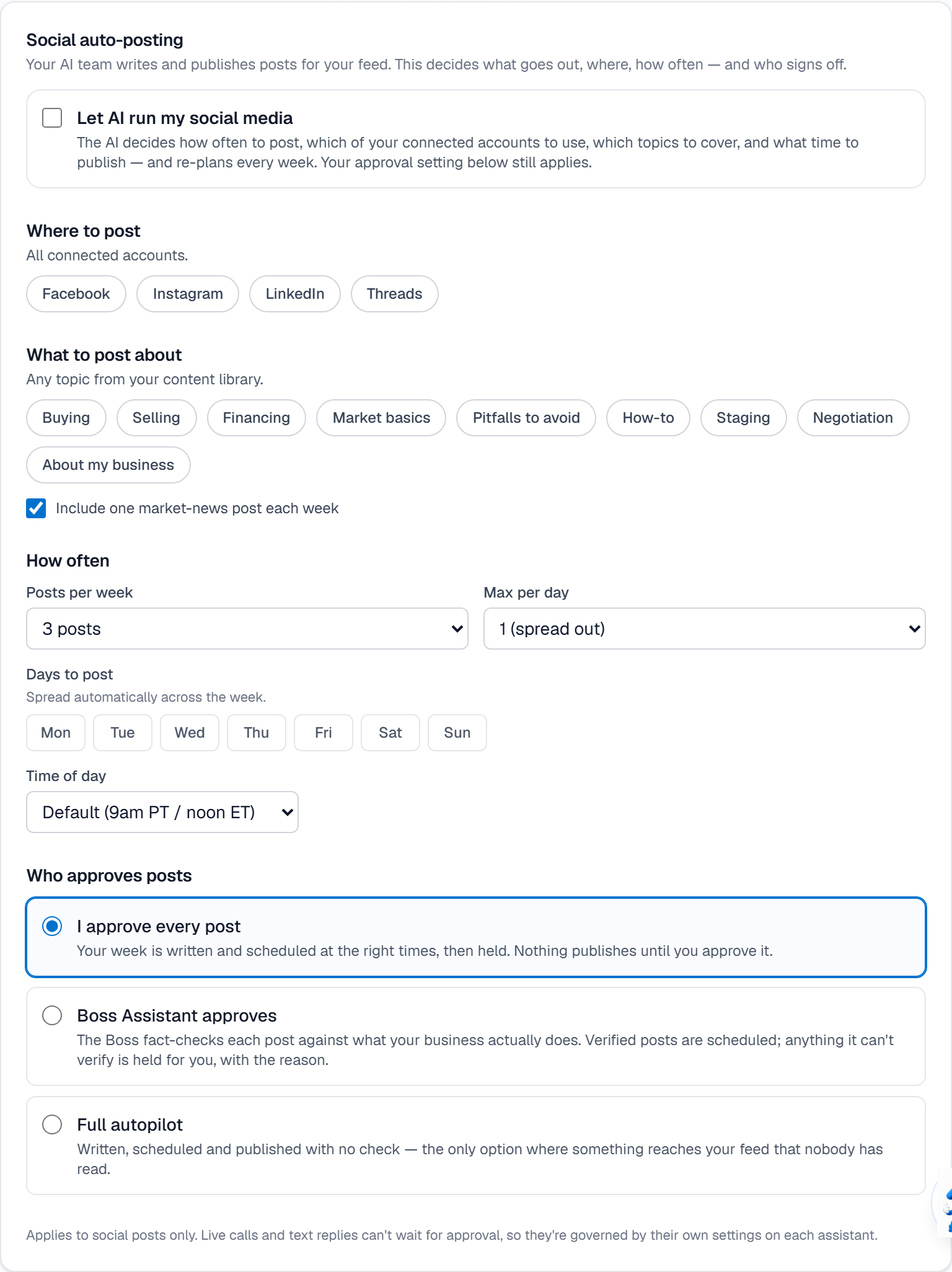
TikTok posting
Who can see your TikTok posts, and the commercial-content declaration TikTok requires.
Choose how your TikTok posts go out
Weekly post schedule
Pick the days yourself: per day a format, a time, channels, and a topic.
Schedule a specific week of social posts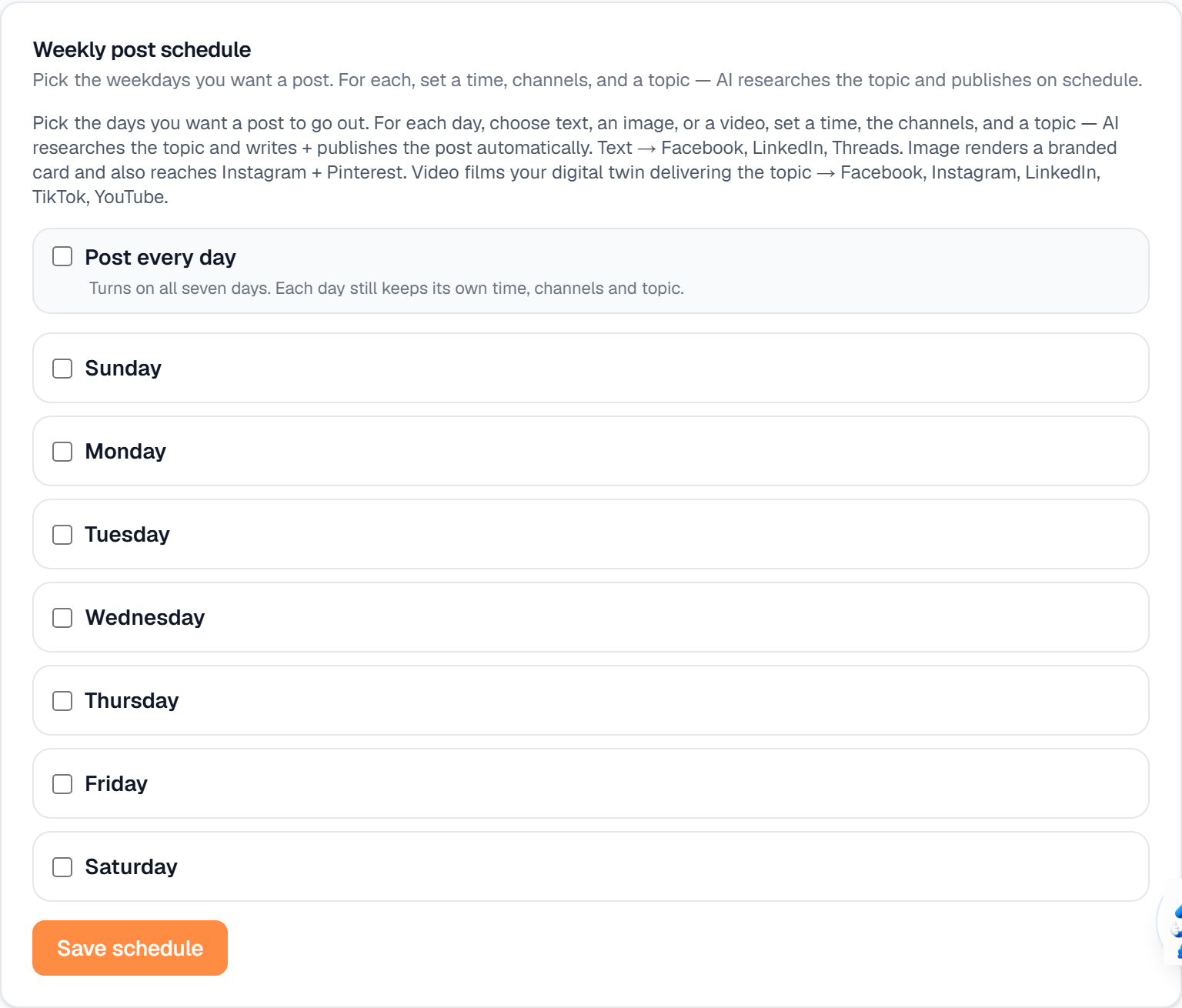
Compliance
The rules enforced for you, which cannot be switched off.
The compliance rules you cannot turn off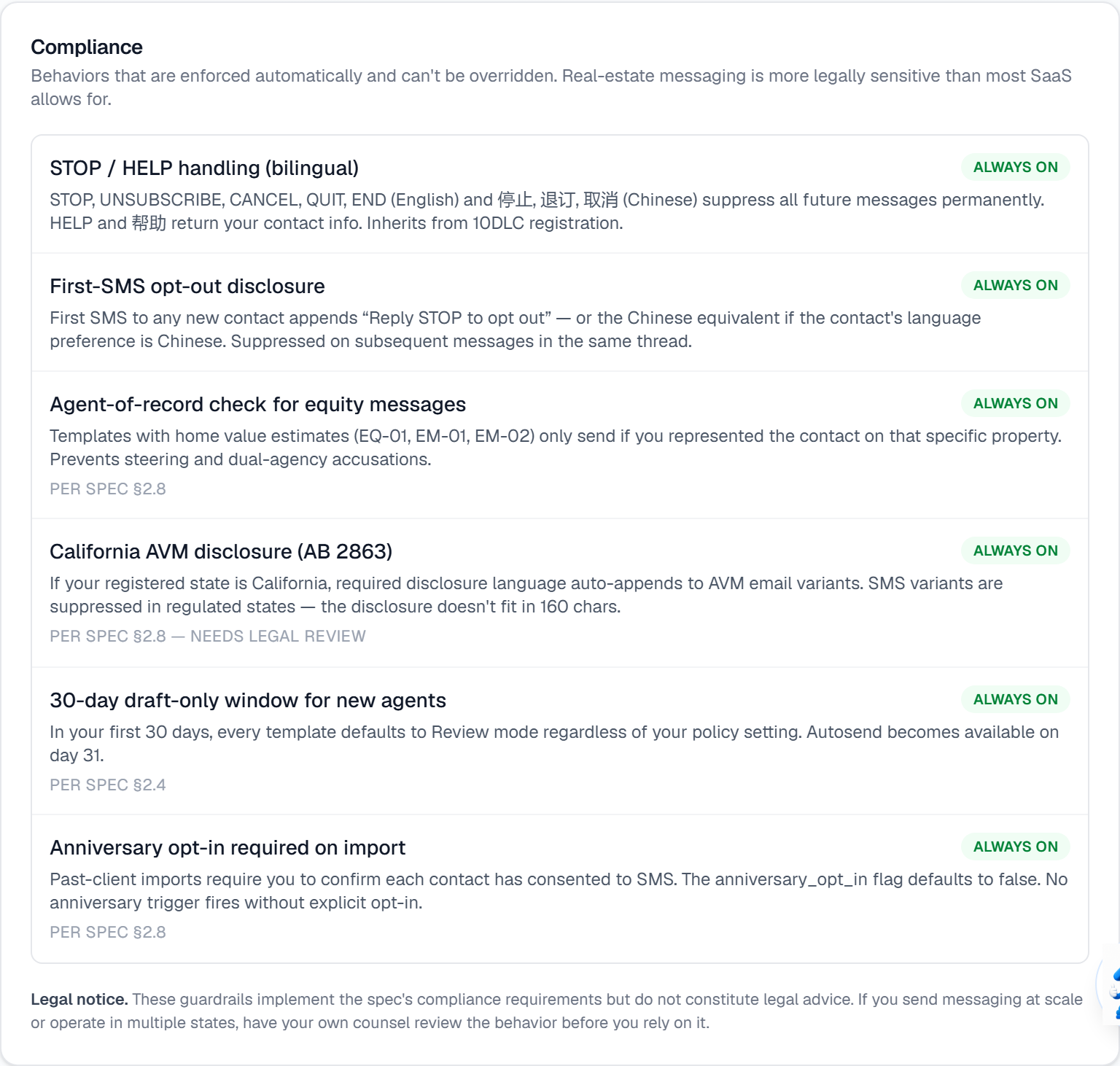
Messaging
Review Policy
Whether triggered messages send on their own or wait for you. The most consequential setting here.
Review Policy: decide what sends without you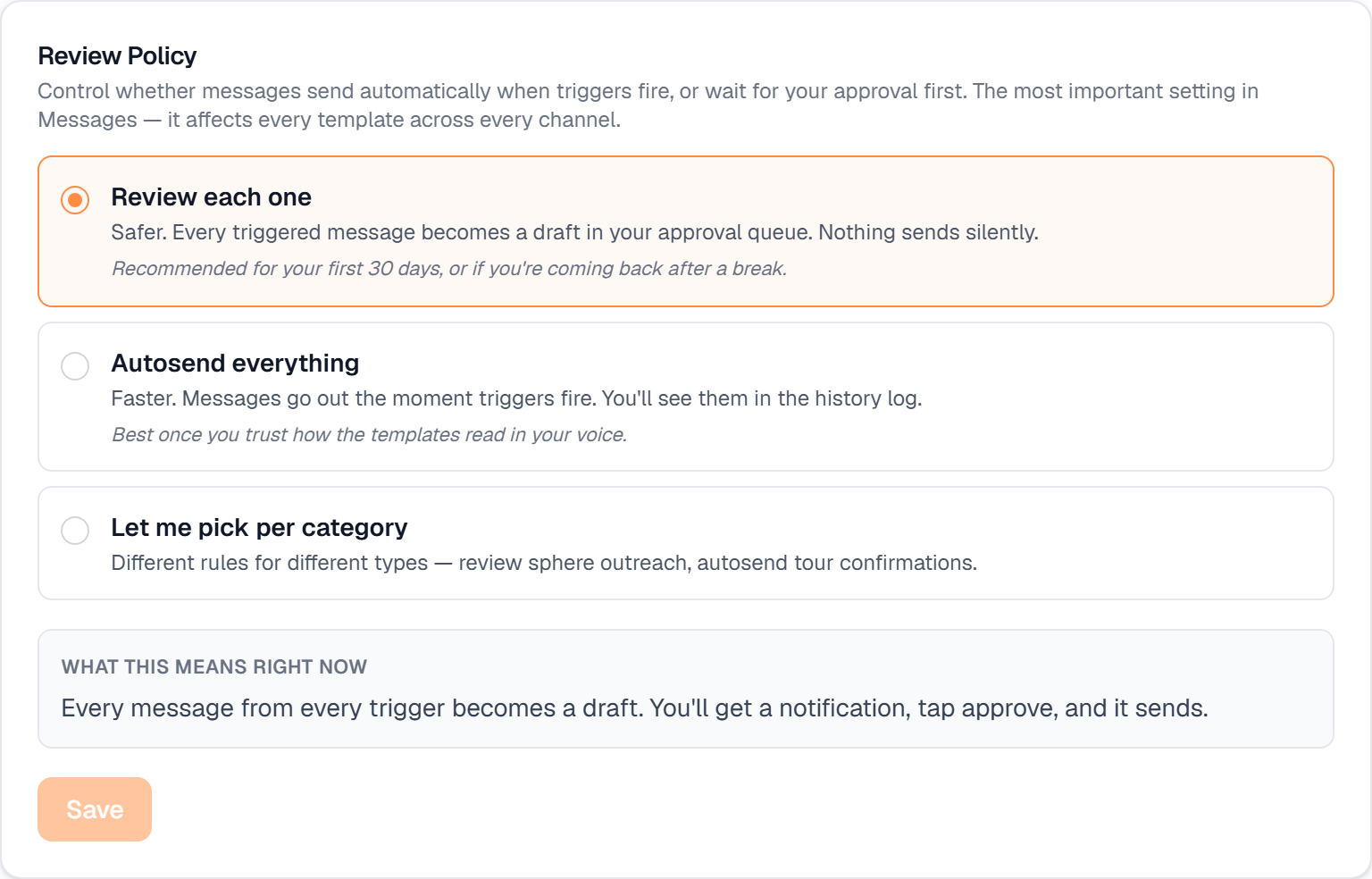
Message Templates
The text of every message sent on your behalf, and which ones are allowed to autosend.
Build SMS & email templates that don't sound like spam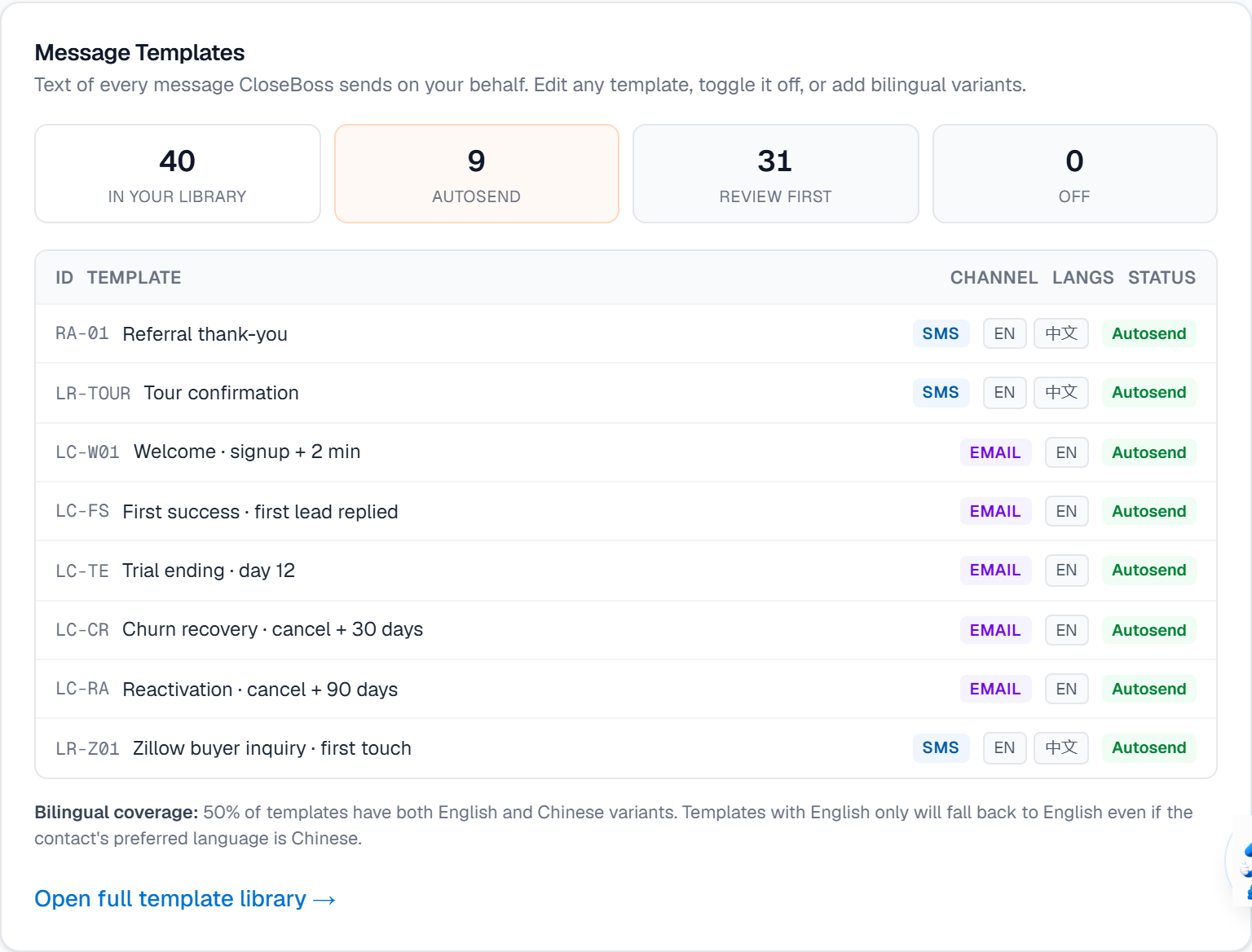
Timing & Frequency
Quiet hours, the daily cap per contact, and the pause after someone replies.
Set quiet hours and daily message limits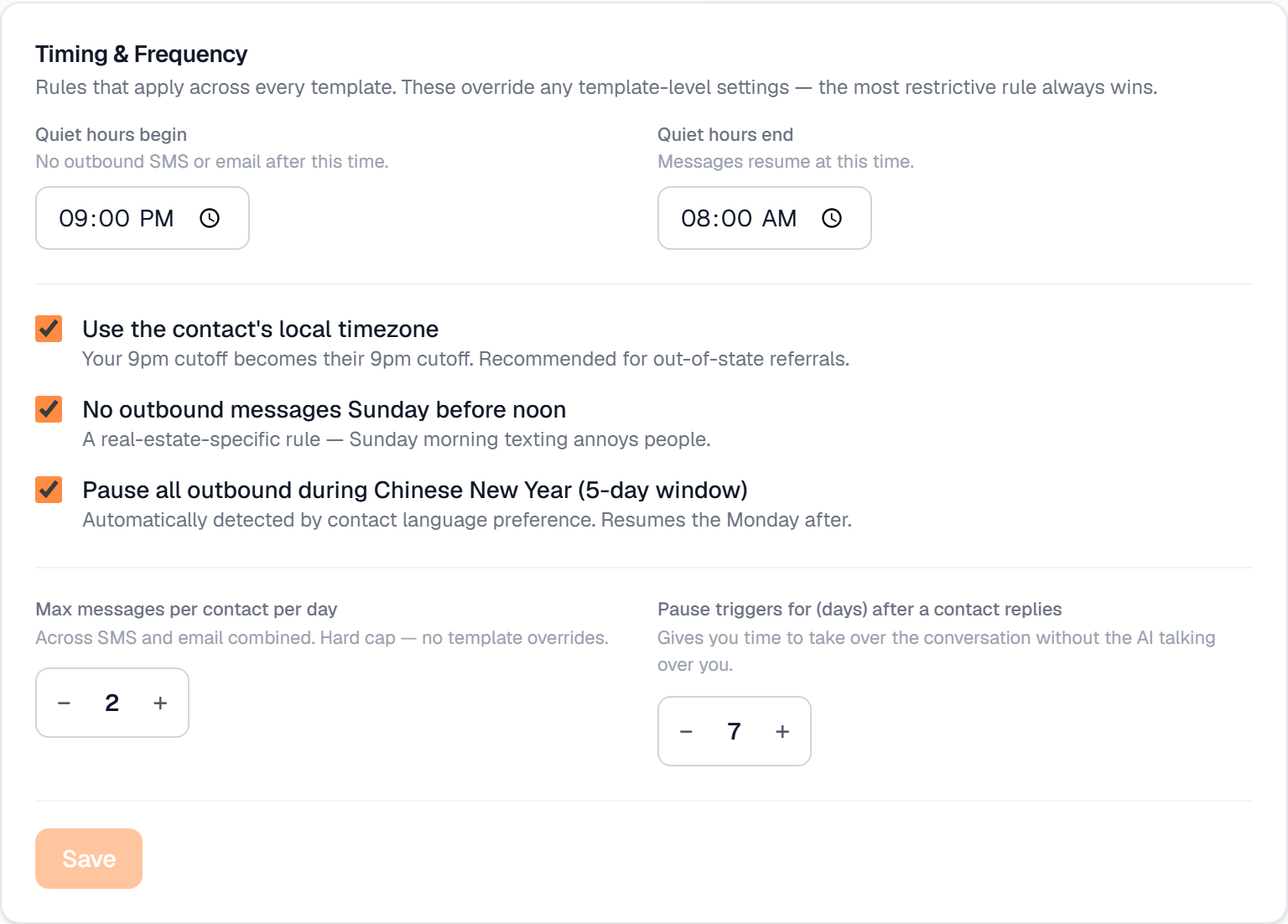
Sphere drip cadence
A six-touch background nurture for your best past clients.
Turn on the sphere drip cadence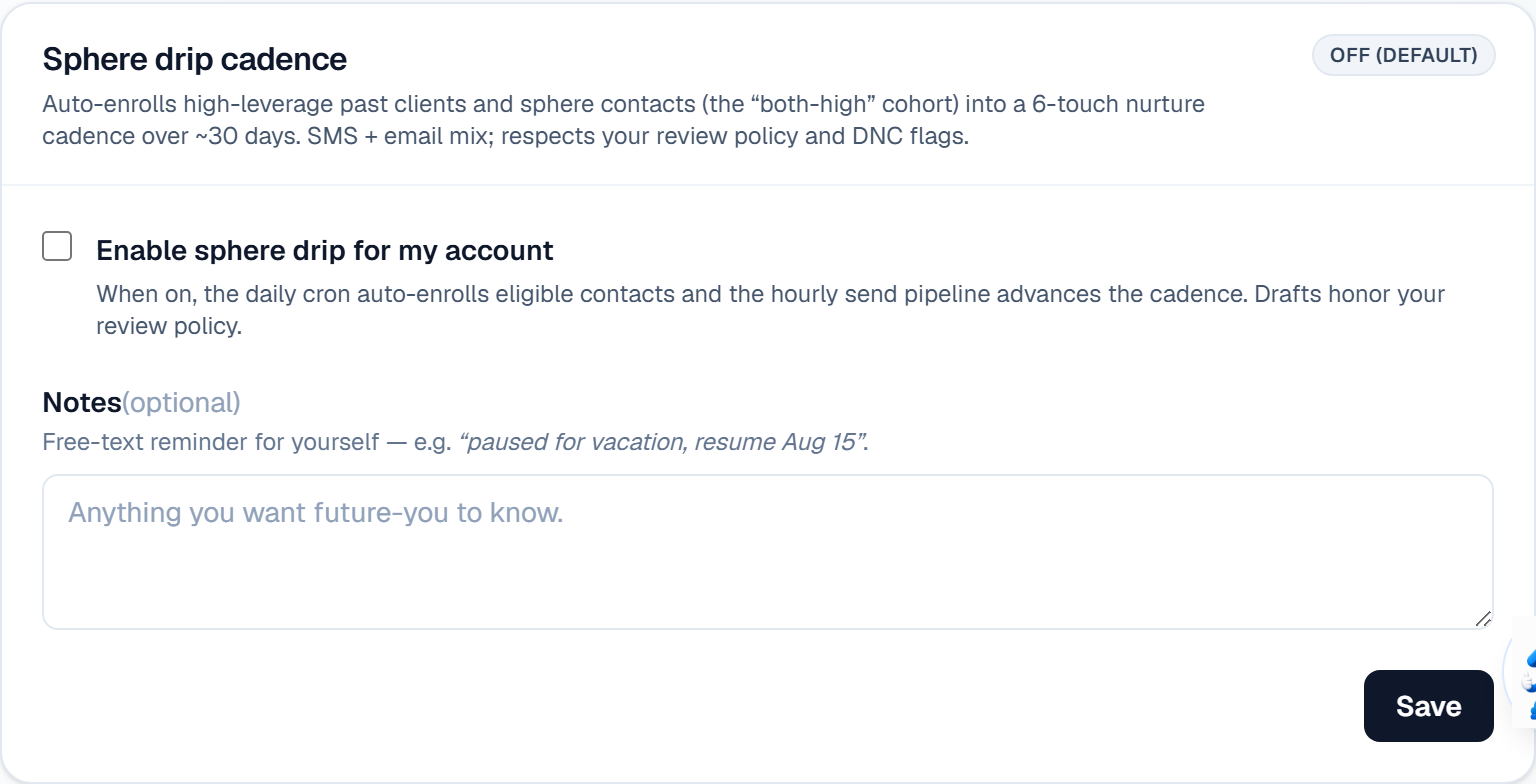
Data & tools
Home Value Smart Link
The link you share with homeowners: they enter an address, you get the lead.
Share your Home Value Smart Link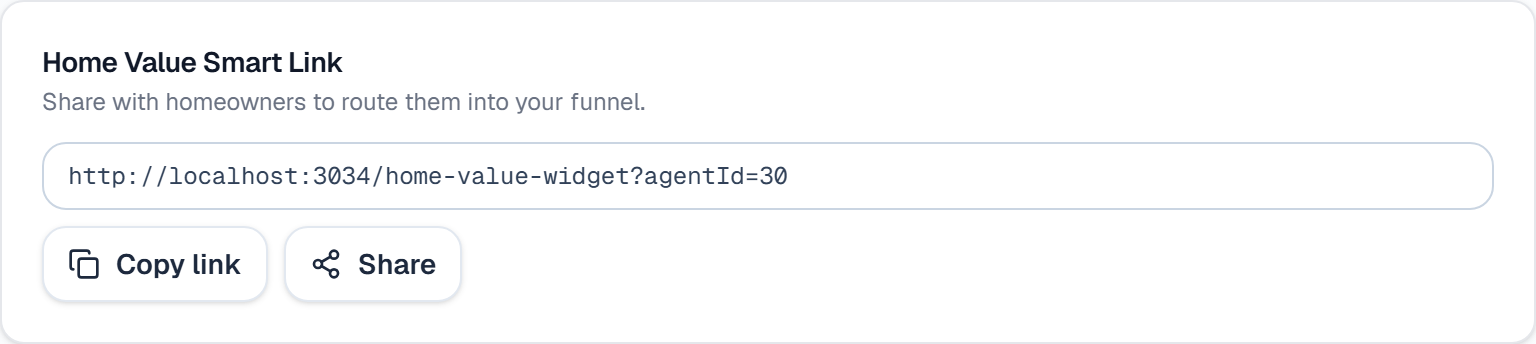
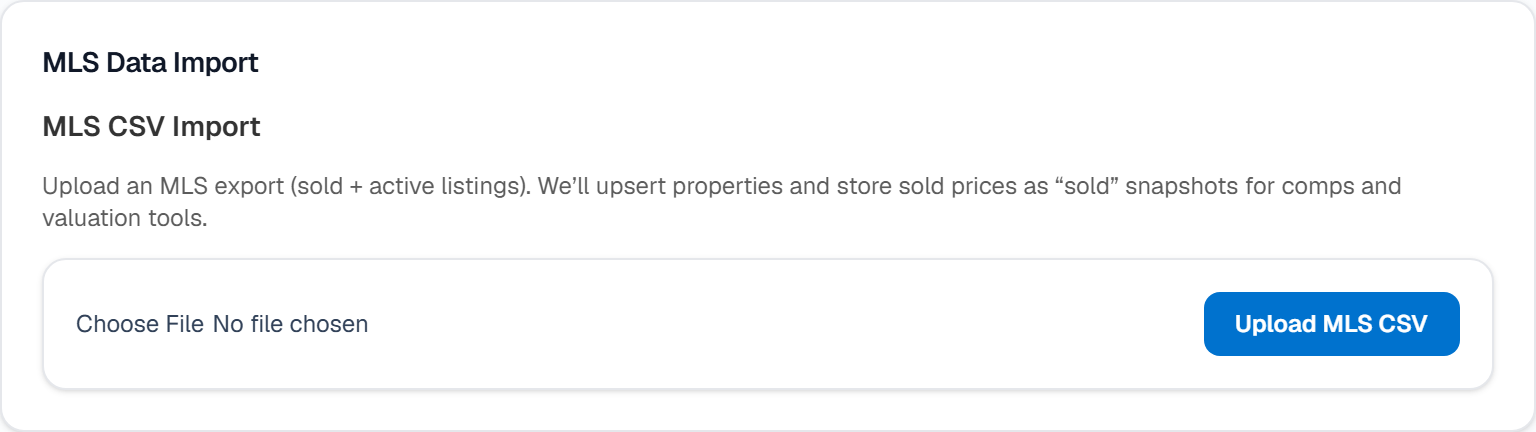
MLS Data Import
Bring contacts in from a CSV or another CRM, duplicate-aware.
Import contacts from another CRM