
4 min read
Configure voice AI to answer inbound calls
Let the voice AI pick up when you can't — it qualifies the caller, books a callback, and writes the CRM note for you.
Voice AI is the next step beyond missed-call text-back: instead of just sending an SMS when you miss a call, the AI answers the phone, has a real conversation, qualifies the caller, and books a callback into your calendar. Callers reach a natural, human-sounding assistant; you wake up to a clean CRM note.
It's especially powerful for after-hours and weekend coverage — every call gets answered, even if you're showing a property or asleep.
Step by step
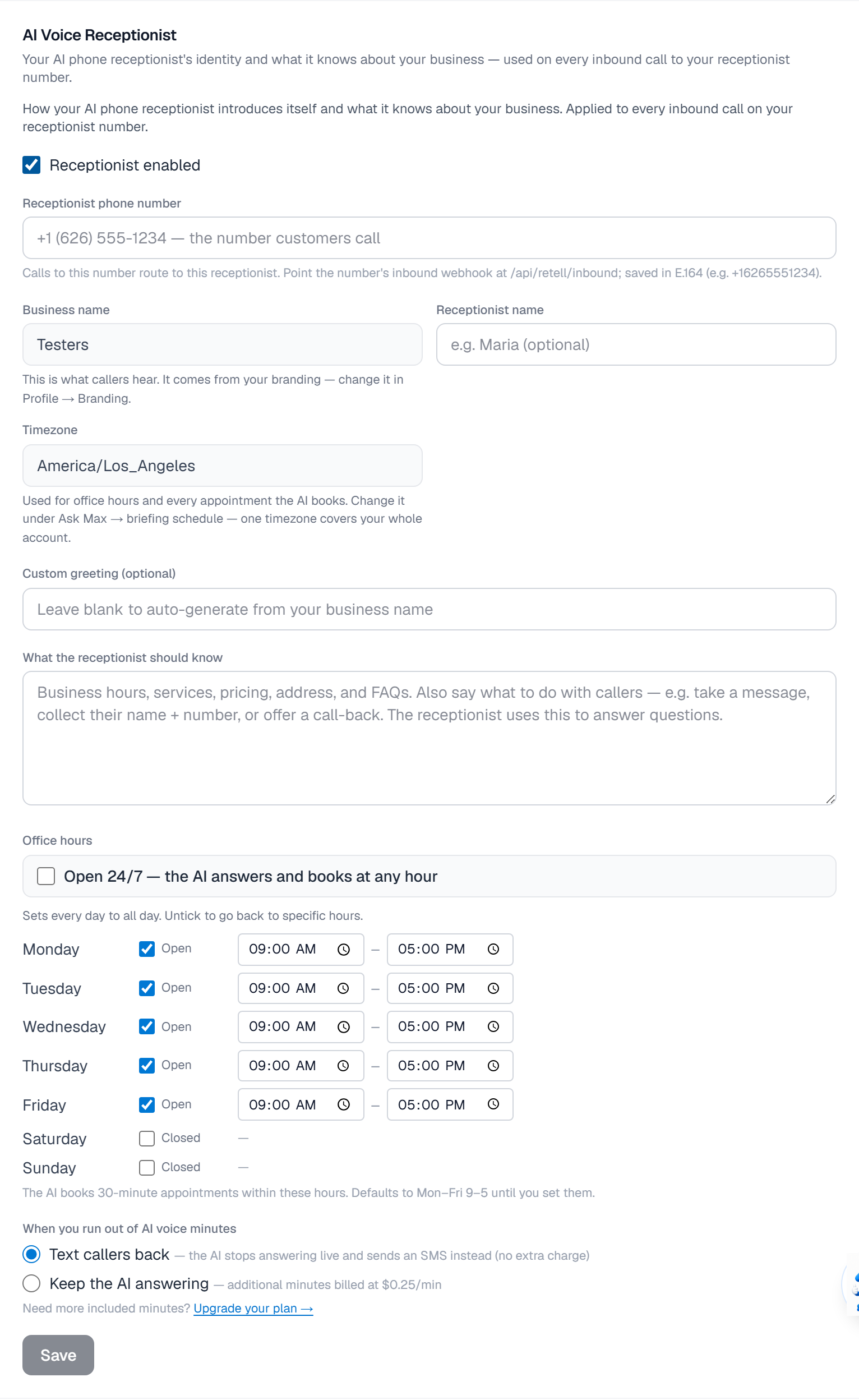
Open Settings → AI team → AI Voice Receptionist.
Pick a studio voice for live conversations. Want callers to hear you? Clone your voice free in Settings → Account → Digital twin, from your intro video, and turn on Use for calls — your greeting and other fixed lines then play in your own voice.
Configure the opener — what the AI says when it picks up. Default: 'Hi, this is [Your Name]'s assistant — they're with a client right now, can I help?'
Set the goal: book a callback, qualify the lead, send a property packet, or escalate to a live transfer.
Set call-routing rules: business hours vs after hours, and transfer-to-human keywords ('I need to talk to a person'). How long your own phone rings first is the Missed Call Text-Back ring timeout — 20 seconds by default.
Toggle Voice AI on. Test it by calling your CloseBoss number from a phone you don't normally call from. The full transcript lands in Conversations with the contact's qualification summary.
What it looks like
Related
Need help with something else? Browse all guides or email support.
